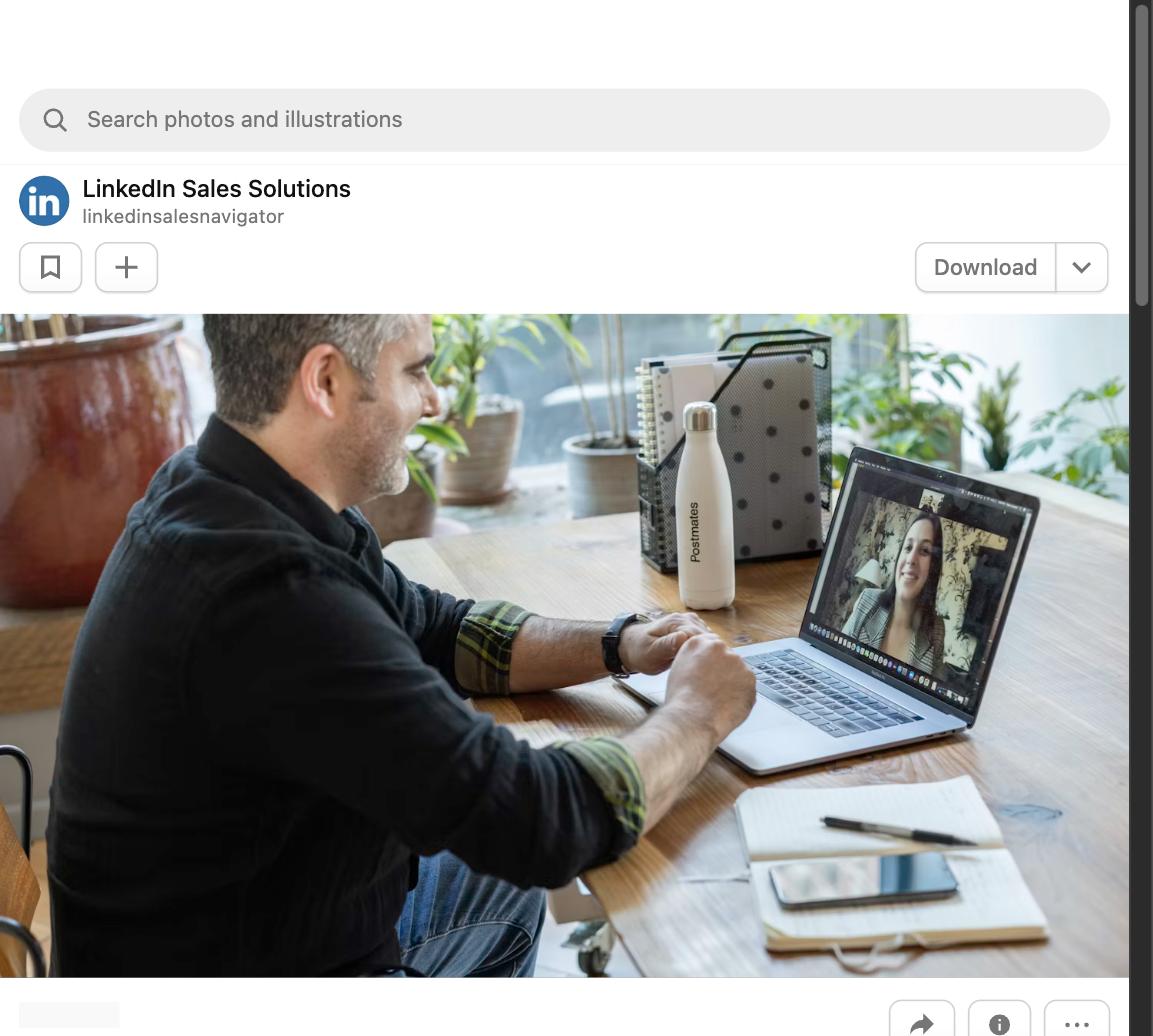
Remote job interviews have become the default for most first and second-round conversations, and they have their own distinct set of challenges. The fundamentals of interviewing, being prepared, clear, and compelling, still apply. But there is a whole layer of technical and environmental factors that can trip you up if you have not thought them through. Here is how to handle both.
Getting your technical setup right
The single most common way candidates hurt their performance in video interviews is through technical problems that could have been prevented. A blurry camera, poor audio, bad lighting, or an unstable internet connection all make it harder for the interviewer to focus on what you are saying. These are fixable, and fixing them before the interview is basic preparation.
Test your setup the day before, not five minutes before the call starts. Open the same video platform they will be using, check your camera angle (eyes should be roughly at eye level with the camera, not looking down at it), check your audio, and check your lighting. Natural light from a window in front of you is the best option. A bright light behind you creates a silhouette effect that makes you hard to see.
Your background should be clean and professional. A blank wall, a bookshelf, or a tidy workspace are all fine. A messy room, a bed visible in the background, or a distracting scene behind you creates an impression you probably do not want.
Managing your presence on camera
Eye contact in a video interview means looking at the camera, not at the interviewer’s face on your screen. This is counterintuitive because when you look at their face, you appear to be looking down on their screen. Looking directly at the camera gives the impression of eye contact.
It helps to move the video window with the interviewer’s face as close to your camera as possible so the disconnect between where you are looking and where they appear on screen is minimized. Some people put a small sticky note next to their camera as a reminder to look there.
Sit up straight. Lean slightly forward when listening or making a point. Avoid fidgeting or swiveling in your chair. Small physical movements are amplified by the camera in a way that can make you look distracted or nervous even when you are not.
Preparing differently for remote-first roles
If the role itself is remote, the interview is partly an audition for whether you can thrive in a remote environment. Interviewers are watching for self-direction, communication clarity, and an ability to operate without constant oversight.
Come prepared with specific examples of how you have worked effectively in distributed or autonomous settings. Even if you have not worked fully remotely before, think about times when you completed projects independently, managed your own priorities, or collaborated with people in different locations.
Questions about remote work habits are very common in these interviews. How do you stay organized? How do you maintain communication with your team? How do you manage your own energy and focus when you are not in an office? Have genuine, specific answers to all of these.
Handling technical problems mid-interview
If something goes wrong during the interview, address it calmly and directly. If your audio cuts out, type in the chat that you are having audio issues and ask if they can still hear you. If the connection drops, rejoin as quickly as possible and apologize briefly when you get back.
Most interviewers are understanding about technology problems. What matters is how you handle the situation. Staying calm, communicating clearly, and getting back on track quickly demonstrates the kind of composure that is especially valued in remote roles.
Have a backup plan ready. Know the interviewer’s phone number or email in case you need to switch to a phone call. Keep your phone nearby and charged. Have the interview confirmation email open so you can quickly find contact information if you need it.
Dressing appropriately for a video interview
A video interview is still a job interview. Dress at least as formally as you would for an in-person interview at that company. When in doubt, dress one level more formally than you think is necessary. It is easier to dress down verbally during the interview than to dress up an impression you have already made.
Keep your attire solid and conservative from the camera’s perspective. Busy patterns, bright colors, and fine stripes can create visual noise on camera that is distracting. A simple, well-fitted solid or subtle print reads well on screen.
Yes, even your legs. Candidates have been caught on video in situations that were embarrassing for everyone. Dress professionally from head to toe, even if you plan to stay seated the entire time.
Sending a follow-up after a remote interview
The follow-up note after a remote interview follows the same rules as an in-person interview: send it within 24 hours, address it specifically to each interviewer if there were multiple, and include a reference to something specific you discussed that reinforces your interest or your fit.
The remote interview follow-up has one additional opportunity: if there was a technical issue during the call that you feel affected your ability to show your best self, you can briefly acknowledge it and restate a key point. ‘I wanted to circle back on my answer about X, since the audio issue may have cut off part of my response. I wanted to add…’ That shows accountability and communication.
Keep it short. Two to four sentences is enough. The follow-up note is a reminder that you are thoughtful and genuinely interested, not an opportunity to write the interview responses you wish you had given during the call.
Get your free resume review from a real recruiter
All of this advice is based on years of reviewing resumes and working with hiring managers across industries. Submit your resume for a free, honest review from a real recruiter.
You will get specific feedback on what is working, what to fix, and what a recruiter would actually think when they see your application.
Read next
- Virtual Interview Tips: How to Ace a Video Job Interview
- How to Interview for a Remote Job
- How to Write a Thank You Email After a Job Interview
Frequently Asked Questions
Should I use a virtual background for a video interview?
A clean, neutral virtual background is acceptable if your real environment is messy or distracting. A poorly chosen virtual background that flickers or cuts off parts of your body can be more distracting than the room behind you. Test it first.
Is it okay to have notes visible during a remote interview?
Yes, if used subtly. Brief notes nearby, not directly in front of you where your eyes visibly shift to read them. Extensive note-reading that makes you look away from the camera breaks the connection.
What if I have kids or pets at home during the interview?
Do your best to minimize disruptions, and if one happens, handle it gracefully and briefly. Most interviewers are human and understanding. A brief, calm response to an interruption is better than obvious anxiety about it.
How early should I join the video call?
Two to three minutes early. Joining earlier can be awkward if the host is not ready. Being late to a video interview, even by a minute or two, creates a poor first impression. Log in early but wait to join the call at the scheduled time.
Anonymous and approximate. We store one number for this article and nothing about you.
Email digest
We also run a layoff tracker, built from company filings and official notices. A plain email summary of what changed on these trackers: headline numbers, the largest new entries, and links to the sources. You confirm your address by clicking a link we email you, and one click unsubscribes. Already subscribed? Use this form to change what you get. The boxes replace what you had.
Our mail provider records whether you open an email and which links you follow, including the confirmation email, which is measured before you have agreed to anything. Unsubscribing stops the sending and the recording together.
You can read every past edition first. Each one is kept permanently, exactly as it was sent.
Privacy note: what we store and how to erase it
What we store: your email address, the choices above, and timestamps (signed up, confirmed, last sent). Nothing else about you.
What our mail provider records: whether you opened an email and which links you followed, tied to your address. That is Brevo, the service that delivers these emails, and it works by adding a small invisible image and by routing links through its own address. We read it to see which sections people use. Unsubscribing stops the sending and the measuring at the same time, and erasing your row removes it from our side.
The confirmation email is measured too: the same invisible image is in the one message that asks your permission. If you open it, Brevo records that against your address before you have agreed to anything, and it records it even if you then never confirm. We would exempt that message if we could. Brevo offers no way to switch its measuring off for a single email, and the one setting that exists covers every email we send or none of them. If you would rather not be measured at all, do not open it. Nothing else is ever sent to an unconfirmed address, and the signup is deleted from our side after 30 days.
About the links: links in the digest pass through a counter on this site that adds 1 to a total for that link and sends you straight on. It records no identifier, no IP address and no browser details, so it counts how many times a link was followed and can never say who followed it.
What it is used for: sending you exactly the emails you ticked, nothing else. The address is never shared, sold, or used for any other purpose.
How to erase it: click the unsubscribe link in any email. That stops all sending immediately, and unsubscribed addresses, along with signups that were never confirmed, are hard-deleted automatically after 30 days. You can also ask via the contact page.