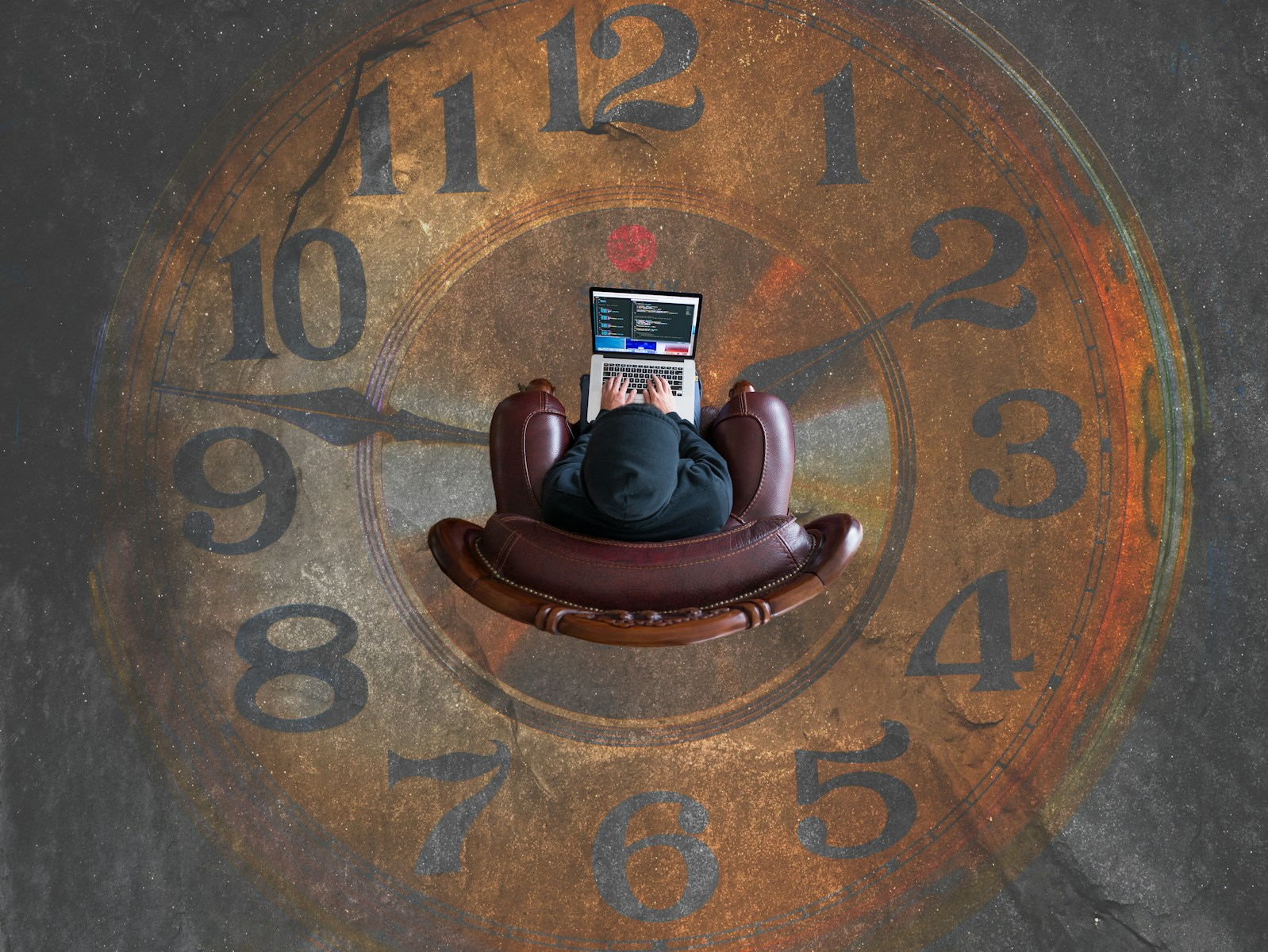
Time vampires drain roughly 60% of the average knowledge worker’s day, according to Asana’s Anatomy of Work research, and most of that time disappears into things that feel like work without actually being work: status meetings, duplicated tasks, and a constant stream of notifications. You do not need a new app to fix this. You need to know exactly where the time is going and which five changes actually claw it back.
What a Time Vampire Actually Is
A time vampire is any task, meeting, or habit that consumes real hours without producing real output. It is not the same as a hard problem or a demanding project — those consume time and produce something. A time vampire is the recurring status meeting nobody needed, the Slack thread that could have been one message, the notification that pulls your attention for ten seconds and costs you twenty minutes of focus to recover from.
The distinction matters because time vampires are largely invisible day to day. No single meeting or message feels like the problem. It is the accumulation, across a week and a year, that turns into hundreds of lost hours — which is exactly what the research below shows.
This is also different from generic productivity advice about willpower or better to-do lists. Most time vampires are structural: they come from calendar defaults, notification settings, and meeting habits that nobody actively chose. That means the fix is mostly structural too — a handful of specific changes, not a personality overhaul.
The Data Behind the Drain
Asana’s Anatomy of Work Index found that the average knowledge worker spends 60% of their time on “work about work” rather than the skilled work they were actually hired to do. Broken down annually, that includes 103 hours in unnecessary meetings, 209 hours on duplicative work, and 352 hours simply discussing work rather than doing it.
Microsoft’s Work Trend Index adds the interruption layer. During core working hours, the average employee is now interrupted roughly every two minutes by a meeting, email, or notification — about 275 interruptions across a single workday. Half of all meetings still land squarely inside the two windows, 9 to 11 a.m. and 1 to 3 p.m., when most people do their best focused thinking. On top of that, the average worker receives 117 emails and 153 Teams messages per day, most of them skimmed in under a minute but each one chipping away at attention.
The cost of those interruptions compounds. Research from Gloria Mark at UC Irvine, one of the most cited studies on workplace attention, found that it takes more than 23 minutes on average to fully return to a task after being interrupted. A single two-minute notification, in other words, can cost you 25 minutes of real productive time once you factor in the reorientation.
The 5 Essential Fixes That Actually Work
- Batch your email and chat checking into two or three set windows a day. With 117 emails and 153 Teams messages arriving daily, reacting to each one as it lands is what generates most of the 275 daily interruptions. Checking messages at, say, 9 a.m., 1 p.m., and 4 p.m. instead of continuously can cut that number dramatically without anyone actually waiting longer for a response.
- Decline or shorten any meeting that has no agenda. A meeting without a written agenda is a strong predictor that it did not need to be a meeting at all. Asking the organizer for one, or proposing a 15-minute version instead of the default 30 or 60, directly targets the 103 hours a year Asana’s research attributes to unnecessary meetings.
- Block two-hour deep work windows on your calendar and defend them like a client meeting. Since half of all meetings land in the two peak focus windows, claiming even one of those blocks for yourself — and marking it busy rather than just “focus time” — meaningfully reduces how often your best hours get taken by someone else’s agenda.
- Run a quarterly audit of every recurring meeting on your calendar. Standing meetings rarely get cancelled on their own; they just keep running long after their original purpose is gone. A 15-minute audit every quarter, asking whether each recurring meeting still earns its spot, is one of the fastest ways to reclaim hours without changing anything else about how you work.
- Turn off non-essential notifications during your protected focus blocks. Given that a single interruption costs over 23 minutes to recover from, muting notifications for even a two-hour block can save more time than it appears to on the surface — you are not just avoiding the ten-second glance, you are avoiding the 23-minute tax that follows it.
Who Struggles With This Most
Not everyone loses the same amount of time to the same vampires, and knowing which category you fall into makes it easier to pick the right fix first.
- People in meeting-heavy roles — managers, coordinators, and anyone whose job title includes “lead” — tend to accumulate the most unnecessary recurring meetings over time.
- Remote and hybrid workers juggling multiple async tools (email, chat, project boards) often experience more fragmented attention than in-office peers, simply because there are more channels competing for the same focus.
- Anyone whose calendar defaults to fully open, with no protected blocks, effectively hands control of their most productive hours to whoever books first.
Getting Started This Week
You do not need to fix all five at once. Start with the recurring meeting audit — it takes 15 minutes, requires no one else’s buy-in, and usually produces the fastest visible result. From there, add one deep work block to your calendar next week and protect it the same way you would any other boundary that protects your focus and energy.
If reclaiming time is part of a bigger push toward a promotion, a career change, or simply feeling less behind at work, it is worth pairing these fixes with clear career goals so the hours you save actually go toward something specific rather than just getting absorbed by the next time vampire in line.
Track the change for two weeks rather than judging it after two days. Meeting habits and notification defaults took months or years to build up, and the first few days of a new boundary usually feel awkward before they feel normal. The people who stick with it past that adjustment period are the ones who actually see the hours come back.
The Bottom Line
Time vampires are not a personal failing or a discipline problem — they are a structural feature of most modern workplaces, backed by data showing 60% of the average workday disappears into work about work. The five fixes above will not eliminate that entirely, but batching communication, auditing recurring meetings, and protecting even a few focus blocks a week can realistically hand back several hours every month, without requiring a single new tool.
Anonymous and approximate. We store one number for this article and nothing about you.
Email digest
We also run a layoff tracker, built from company filings and official notices. A plain email summary of what changed on these trackers: headline numbers, the largest new entries, and links to the sources. You confirm your address by clicking a link we email you, and one click unsubscribes. Already subscribed? Use this form to change what you get. The boxes replace what you had.
Our mail provider records whether you open an email and which links you follow, including the confirmation email, which is measured before you have agreed to anything. Unsubscribing stops the sending and the recording together.
You can read every past edition first. Each one is kept permanently, exactly as it was sent.
Privacy note: what we store and how to erase it
What we store: your email address, the choices above, and timestamps (signed up, confirmed, last sent). Nothing else about you.
What our mail provider records: whether you opened an email and which links you followed, tied to your address. That is Brevo, the service that delivers these emails, and it works by adding a small invisible image and by routing links through its own address. We read it to see which sections people use. Unsubscribing stops the sending and the measuring at the same time, and erasing your row removes it from our side.
The confirmation email is measured too: the same invisible image is in the one message that asks your permission. If you open it, Brevo records that against your address before you have agreed to anything, and it records it even if you then never confirm. We would exempt that message if we could. Brevo offers no way to switch its measuring off for a single email, and the one setting that exists covers every email we send or none of them. If you would rather not be measured at all, do not open it. Nothing else is ever sent to an unconfirmed address, and the signup is deleted from our side after 30 days.
About the links: links in the digest pass through a counter on this site that adds 1 to a total for that link and sends you straight on. It records no identifier, no IP address and no browser details, so it counts how many times a link was followed and can never say who followed it.
What it is used for: sending you exactly the emails you ticked, nothing else. The address is never shared, sold, or used for any other purpose.
How to erase it: click the unsubscribe link in any email. That stops all sending immediately, and unsubscribed addresses, along with signups that were never confirmed, are hard-deleted automatically after 30 days. You can also ask via the contact page.